DRAG DROP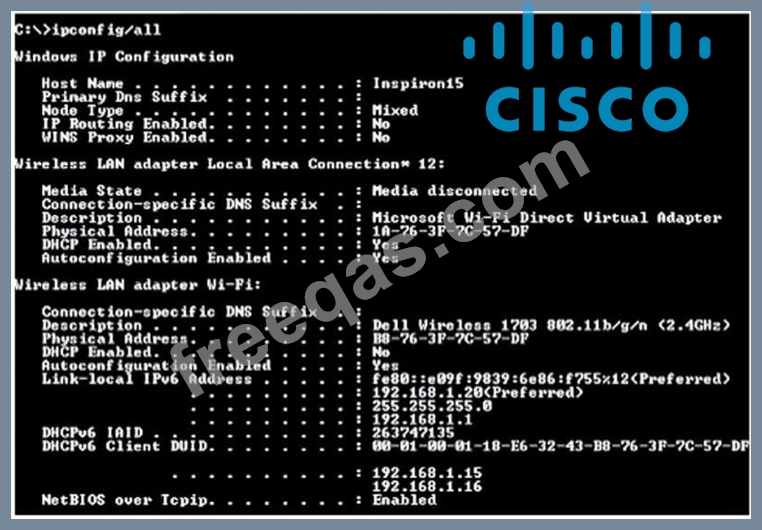
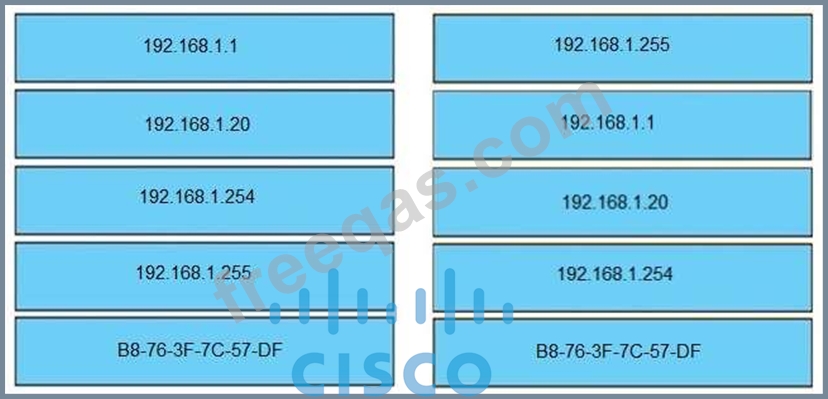
Refer to the exhibit. An engineer is tasked with verifying network configuration parameters on a client workstation to report back to the team lead. Drag and drop the node identifiers from the left onto the network parameters on the right.
Select and Place: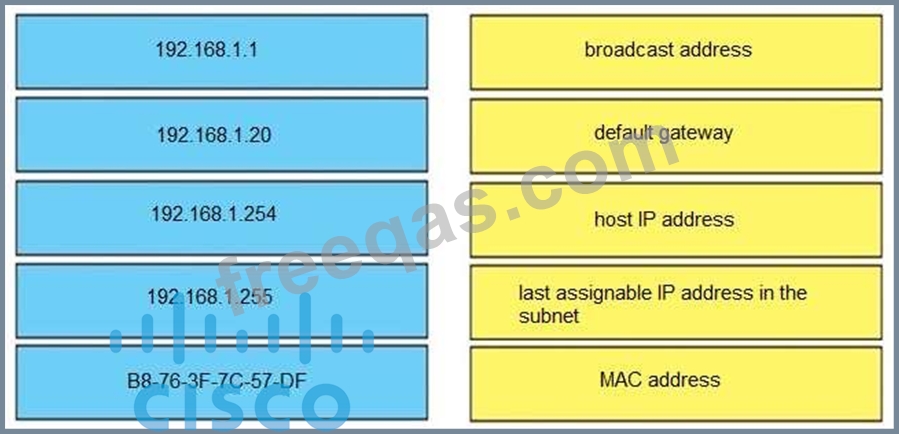
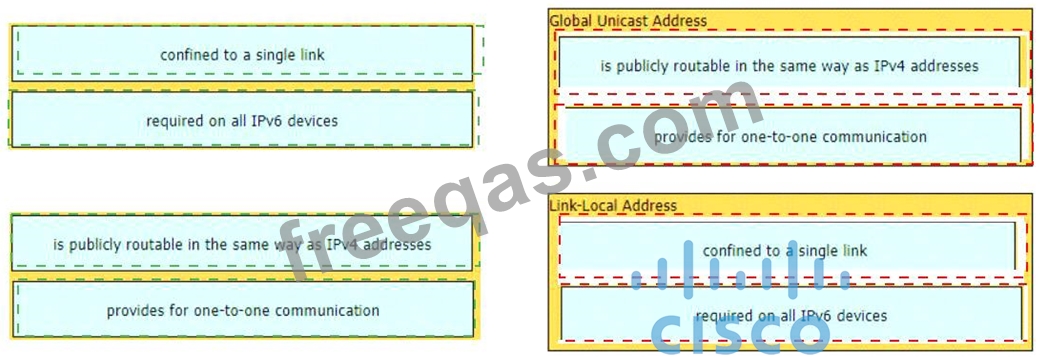
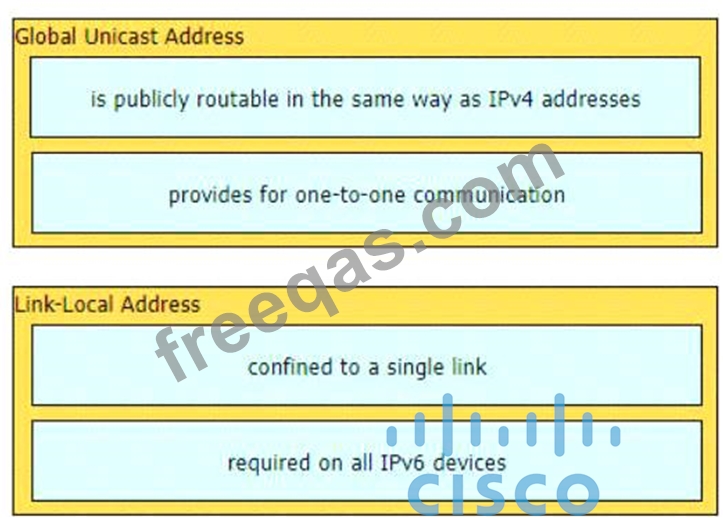
Drag and drop the characteristic from the left onto the IPv6 address type on the right.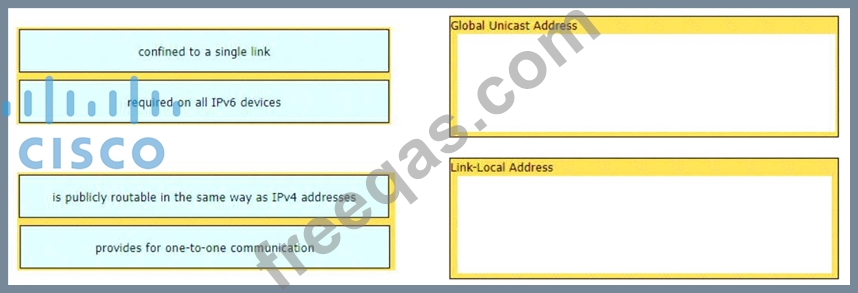
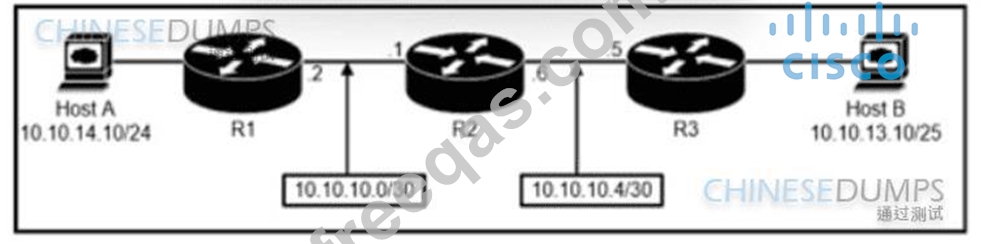
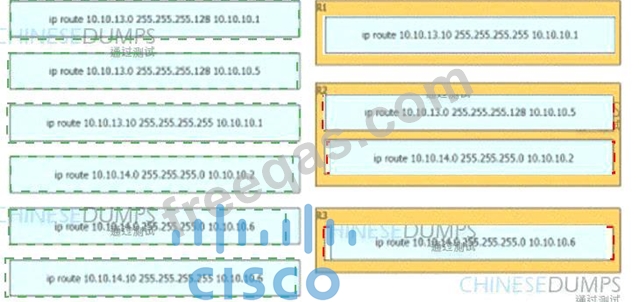
Refer to the exhibit. An engineer must configure a static network route between two networks so that host A communicates with host B. Drag and drop the commands from the left onto the routers where they must be configured on the right. Not all commands are used.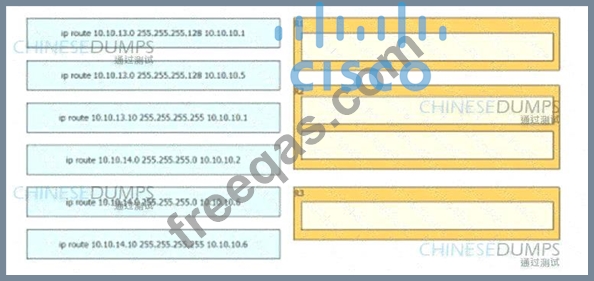
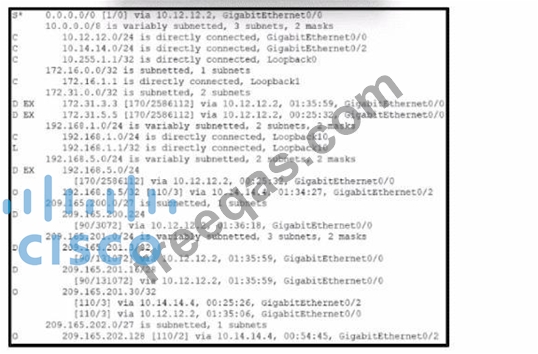
Refer to the exhibit. Four load-balancing servers are reachable through this router; however, the company is removing all static and default routes on the router.
Server 1 - 10.12.14.14
Server 2 - 192.168.4.4
Server 3 - 209.165.200.5
Server 4 - 209.165.201.26
Which server will handle all traffic after the policy changes take effect?
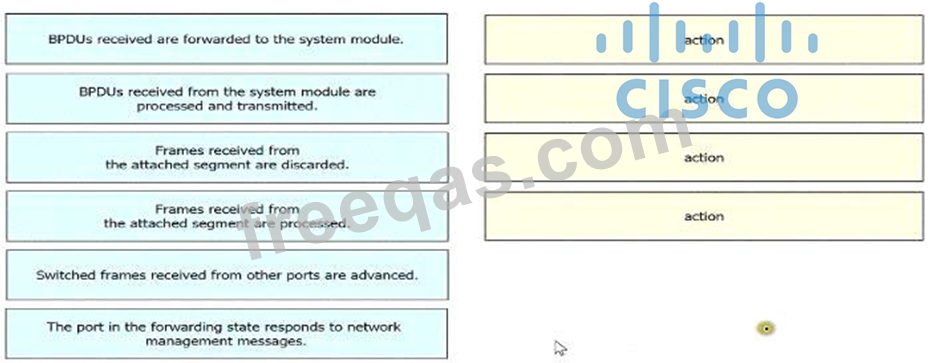
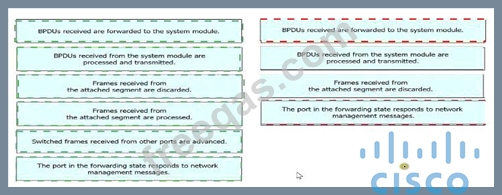
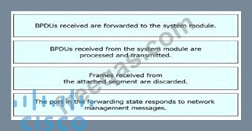
Drag and drop the Rapid PVST+ forwarding slate actions from the loft to the right. Not all actions are used.