Watch the job that runs 10 times one by one and verify 10 pods are created and delete those after it's completed
Check the Image version of nginx-dev pod using jsonpath
Create an nginx pod with containerPort 80 and it should check the pod running at endpoint / healthz on port 80 and verify and delete the pod.
List all the pods sorted by created timestamp
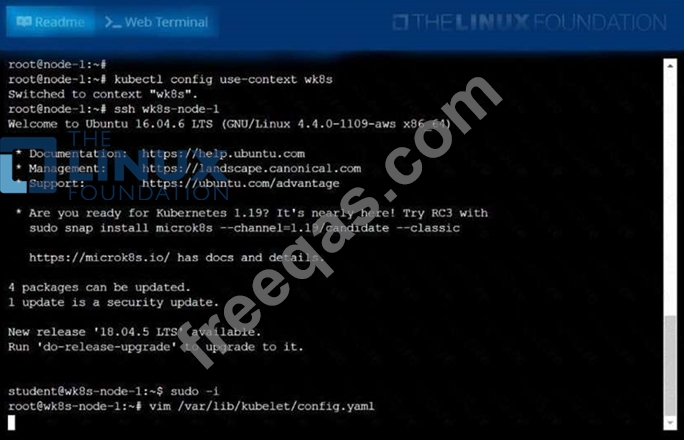
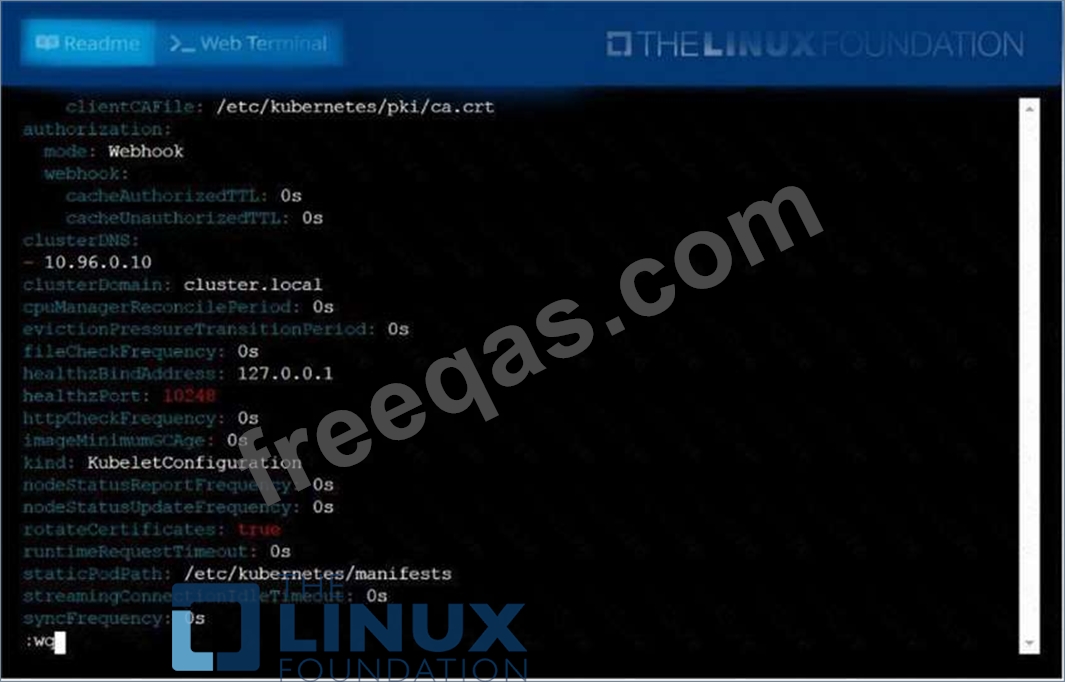
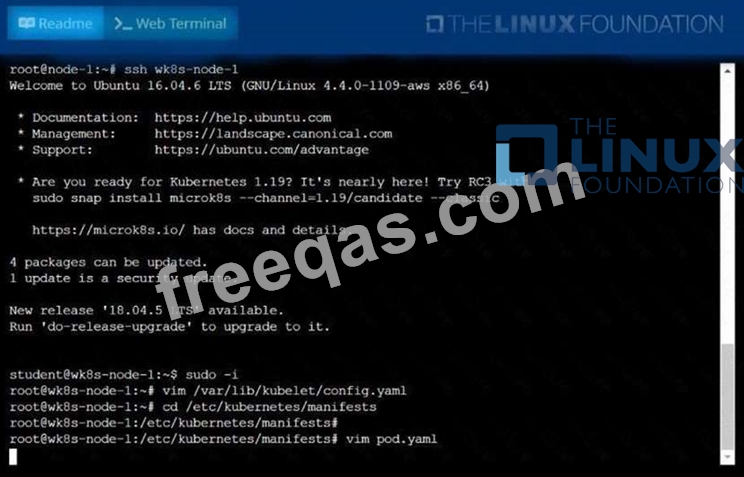
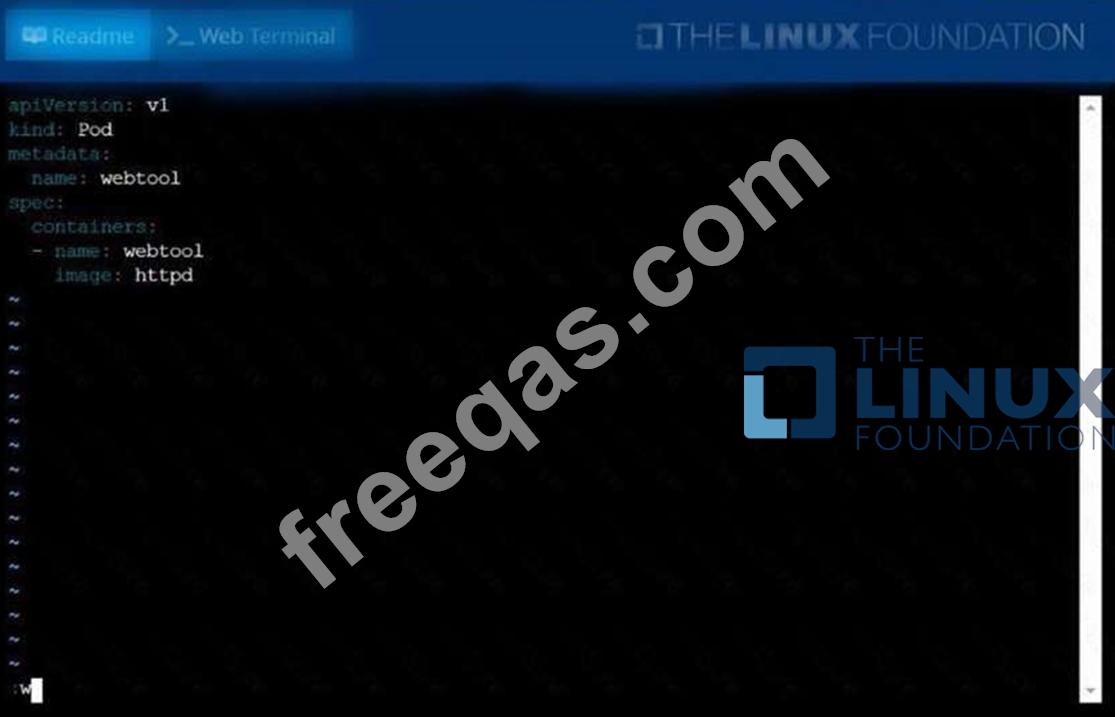
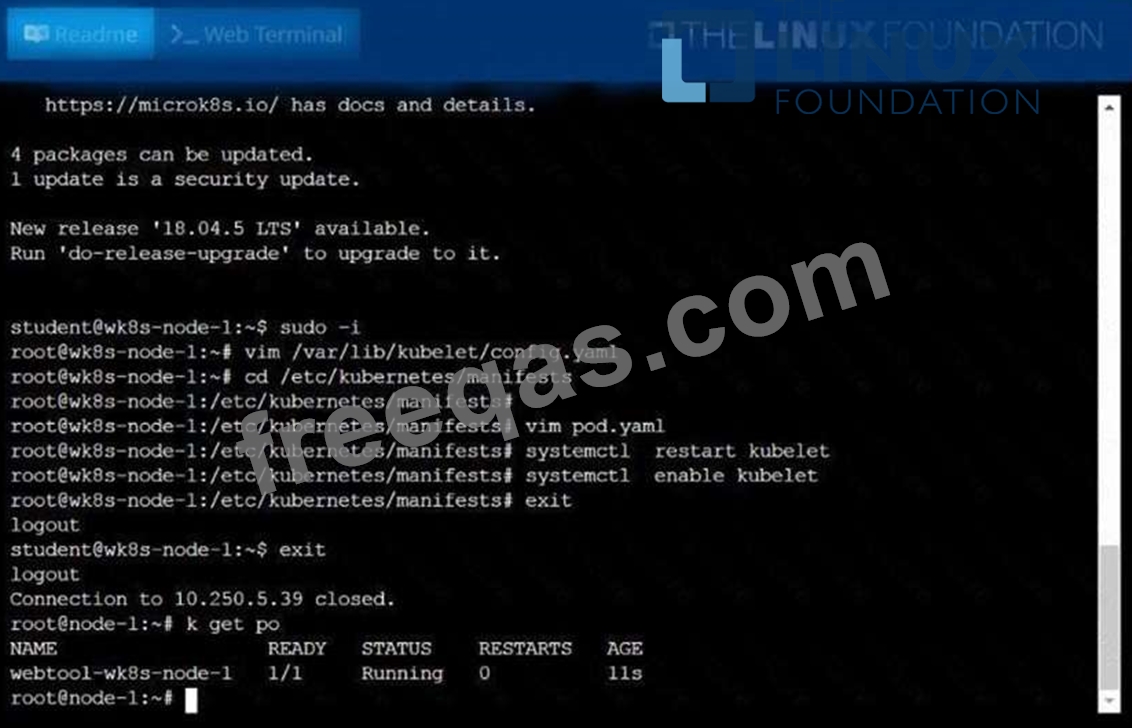
Configure the kubelet systemd-managed service, on the nodelabelled withname=wk8s-node-1, tolaunch a pod containing a singlecontainer of Image automatically. Any spec filesrequired should be placed in the/etc/kubernetes/manifests You canssh to theappropriate node using:
[student@node-1] $ sshwk8s-node-1
You can assume elevatedprivileges on the node with thefollowing command:
[student@wk8s-node-1] $ |sudo -i
Enter your email address to download LinuxFoundation.CKA.v2022-06-06.q64 Dumps

