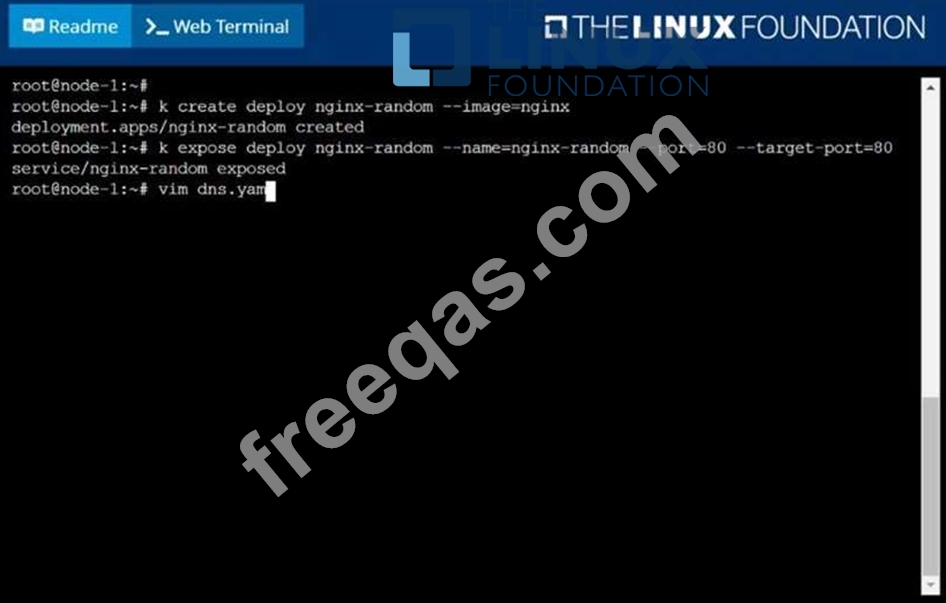
Create a deployment as follows:
Name: nginx-random
Exposed via a service nginx-random
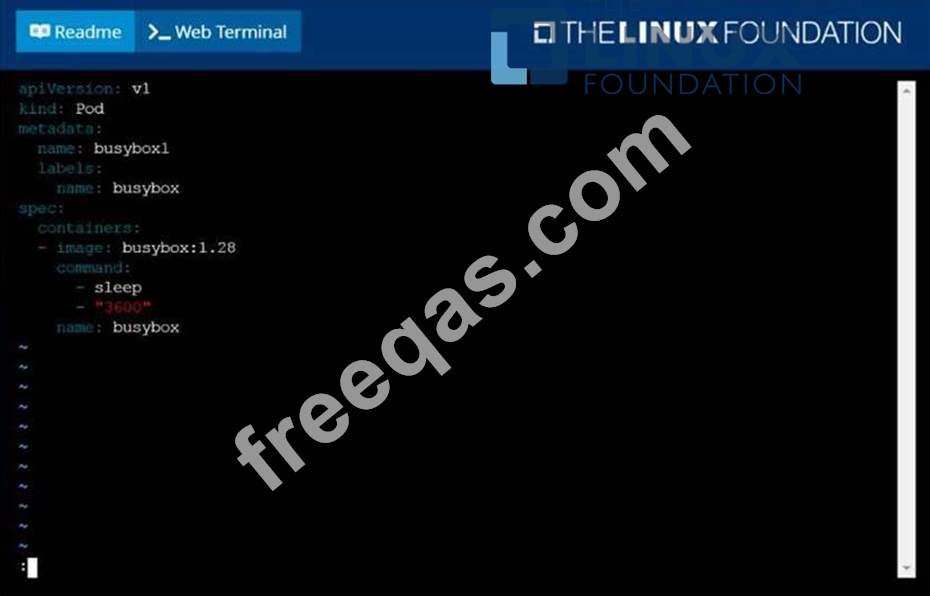
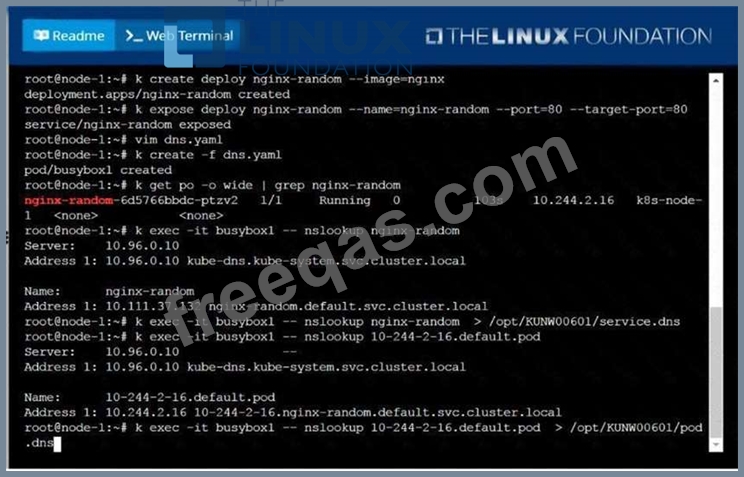
Ensure that the service & pod are accessible via their respective DNS records The container(s) within any pod(s) running as a part of this deployment should use the nginx Image Next, use the utility nslookup to look up the DNS records of the service & pod and write the output to
/opt/KUNW00601/service.dns and /opt/KUNW00601/pod.dns respectively.
List all the pods sorted by created timestamp
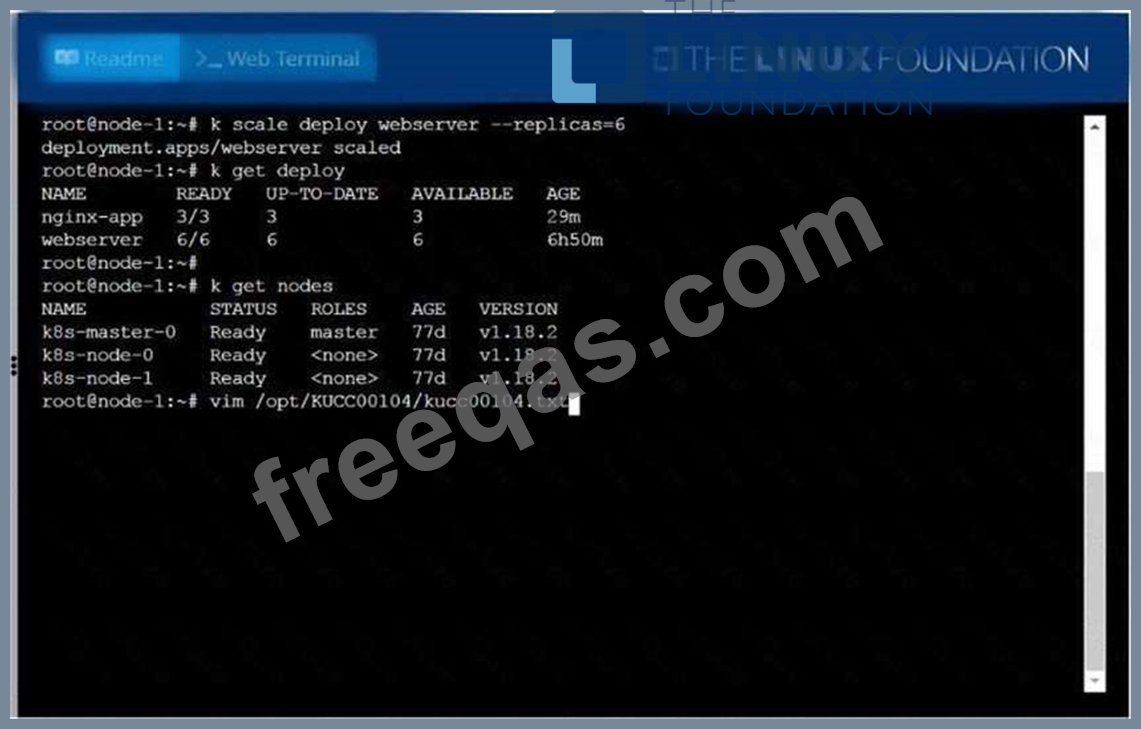
Check to see how many worker nodes are ready (not including nodes tainted NoSchedule) and write the number to /opt/KUCC00104/kucc00104.txt.

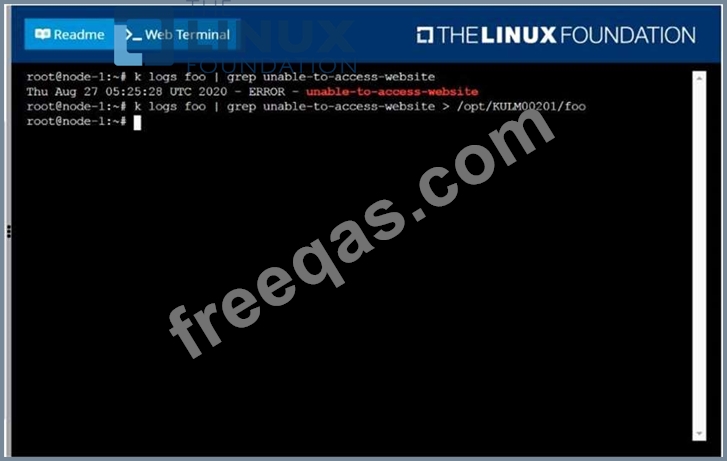
Monitor the logs of pod foo and:
Extract log lines corresponding to error
unable-to-access-website
Write them to /opt/KULM00201/foo
For this item, you will havetosshto the nodesik8s-master-0andik8s-node-0and complete all tasks on thesenodes. Ensure that you return tothe base node (hostname:node-1) when you havecompleted this item.
Context
As an administrator of a smalldevelopment team, you have beenasked to set up a Kubernetes clusterto test the viability of a newapplication.
Task
You must usekubeadmto performthis task. Anykubeadminvocationswill require the use of the
--ignore-preflight-errors=alloption.
* Configure thenodeik8s-master-Oas a masternode. .
* Join the nodeik8s-node-otothe cluster.
Enter your email address to download LinuxFoundation.CKA.v2023-10-04.q74 Dumps

