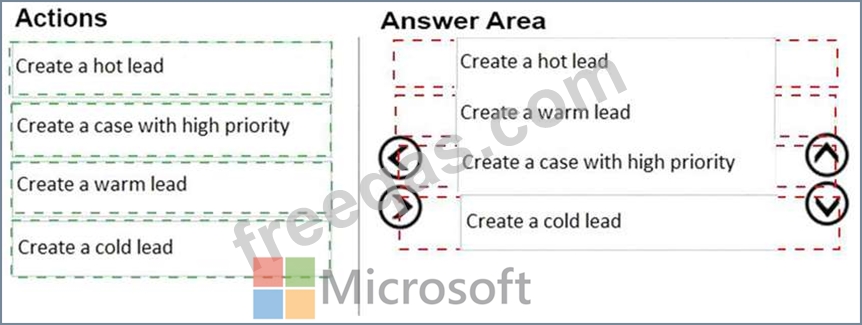
You manage a Dynamics 365 environment for Sales.You create the following rule items to respond to inbound emails from potential customers:
* Emails that contain the words support or help must create a new high-priority case.
* Emails that contain the words buy or purchase must create a warm-lead record. The words buy and purchase are more important than support or help.
* Emails that specifically mention ProductA must always create a hot lead for that product regardless of
* other words mentioned.
* If none of the targeted words are present in an email, a cold lead must be created.
You need to configure the order in which rule items are processed.
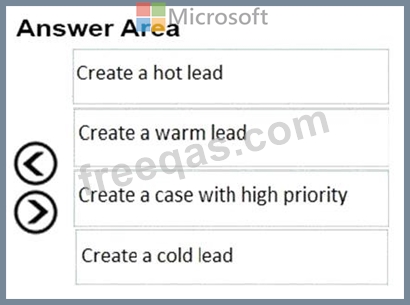
In which order should you run the rule items? To answer, move all actions from the list of actions to the answer area and arrange them in the correct order.
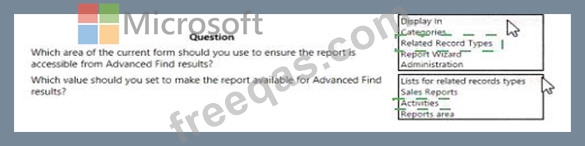
You have a sales report that shows activities for Accounts in the last 30 days. When you run an advanced find query for Accounts with the custom field Heat Level equal to Hot, you are not able to access the report.
A Form: Report: Account Activity last 30 Days.
Use the drop-down menus to select the answer choice that answers each question based on the information presented in the graphic.
NOTE: Each correct selection is worth one point.

You are a Dynamics 365 system customizer. You create a price list with related products. Sales team members use the list to generate opportunities, quotes, and orders.
You need to create a product family.
What should you do?
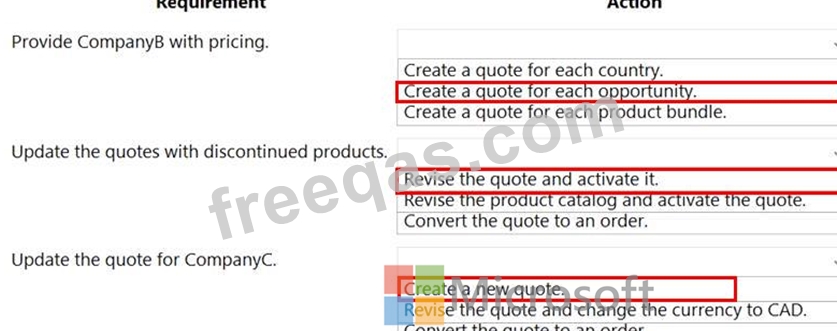
You need to manage existing RFQs.
What should you do? To answer, select the appropriate options in the answer area.
NOTE: Each correct selection is worth one point.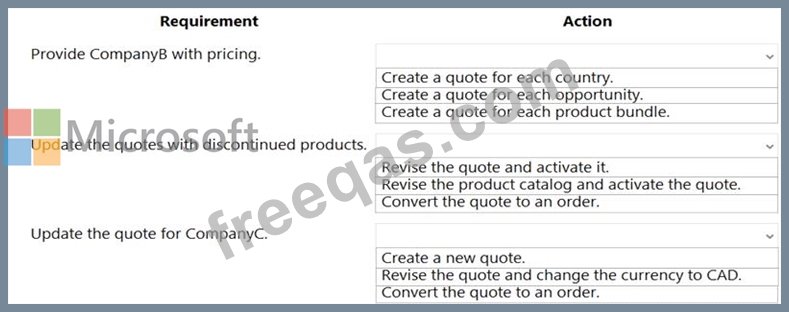
A company uses Dynamics 365 for Sales.
You create a new quote and associate an opportunity to the quote.
You need to display all your items from the opportunity in the quote.
What should you do?

