Note: This question is part of a series of questions that present the same scenario. Each question in the series contains a unique solution that might meet the stated goals. Some question sets might have more than one correct solution, while others might not have a correct solution.
After you answer a question in this section, you will NOT be able to return to it. As a result, these questions will not appear in the review screen.
Your network contains an on-premises Active Directory domain. The domain contains 2,000 computers that run Windows 8.1 and have applications installed as shown in the following table.
You enroll all the computers in Upgrade Readiness.
You need to ensure that App1 and App2 have an UpgradeDecision status of Ready to upgrade.
Solution: You set the ReadyForWindows status of App1 to Highly adopted.
Does this meet the goal?
Your network contains an Active Directory forest named contoso.com that is synced to Microsoft Azure Active Directory (Azure AD).
You use Microsoft System Center Configuration Manager (Current Branch) for device management.
You have the Windows 10 devices shown in the following table.
You configure Configuration Manager co-management as follows:
Automatic enrollment in Intune: Pilot
Pilot collection: Collection2
You configure co-management workloads as shown in the following exhibit.
For each of the following statements, select Yes if the statement is true. Otherwise, select No.
NOTE: Each correct selection is worth one point.

HOTSPOT
You have a Microsoft Azure Active Directory (Azure AD) tenant named contoso.com.
You have three applications named App1, App2, and App3. The apps use files that have the same file extensions.
Your company uses Windows Information Protection (WIP). WIP has the following configurations:
* Windows Information Protection mode: Silent
* Protected apps: App1
* Exempt apps: App2
From App1, you create a file named File1.
What is the effect of the configurations? To answer, select the appropriate options in the answer area.
NOTE: Each correct selection is worth one point.
Hot Area:

You have three devices enrolled .n Microsoft Intune as shown .n the following table.
For each of the following statements, select Yes if the statement is true. Otherwise, select No.
NOTE: Each correct selection is worth one point.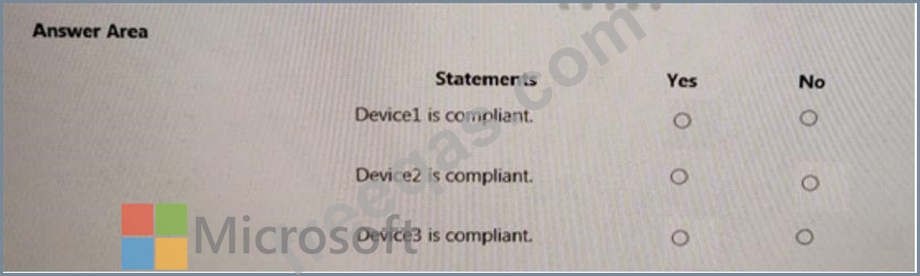

You have retention policies in Microsoft 365 as shown in the following table.
Policy1 is configured as shown in the Policy1 exhibit. (Click the
Policy2 is configured as shown in the Policy2 exhibit. (Click the Policy2 tab.)
For each of the following statements, select Yes if the statement is true. Otherwise, select No.
NOTE: Each correct selection is worth one point.


