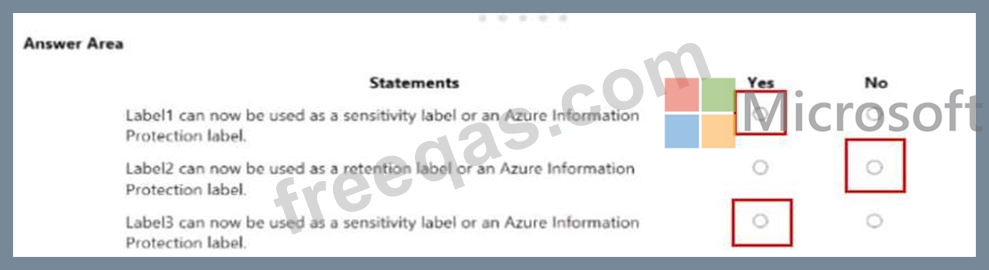
Your company has a Microsoft 36S subscription that uses an Azure Active Directory (Azure AD) tenant named contoso.com. The company stores 2 TBs of data in SharePoint Online document libraries.
The tenant has the labels shown in the following table.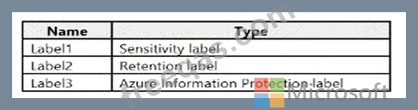
From the Azure portal, you active unified labeling.
For each of the following statements, select yes if the statement is true Otherwise , select No.
NOTE: Each correct selection is worth one point.
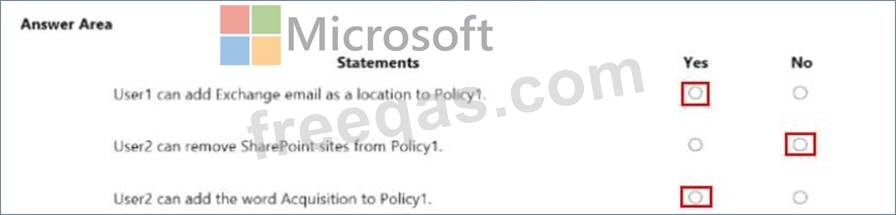
Your company has a Microsoft 365 subscription that uses an Azure Directory (Azure AD0 tenant named Contoso.com. The tenant contains the users shown in the following table.
You create a relation label named Label1 that has the following configurations:
Retains content for five years.
Automatically deletes all content that is older than five years.
You turn on Auto labeling for Label1 b using a policy named Policy1. Policy1 has the following configurations:
* Retains content for five years
* Automatically deletes all content that is older than five years
You turn on Auto labeling for Label 1 by using a policy named Policy1. Policy has the following configurations:
* Applies to content that contains the word Merger
* Specifies the OneDrive accounts and SharePoint sites locations
You run the following command
Set RetentionConpliancePolicy Policy1 RestrictiveRelention $true Force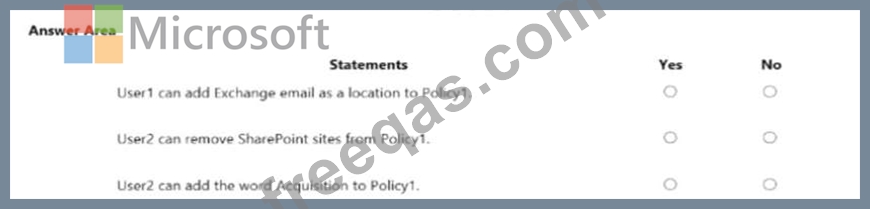
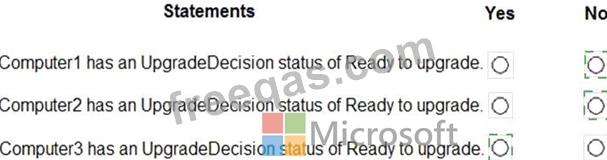
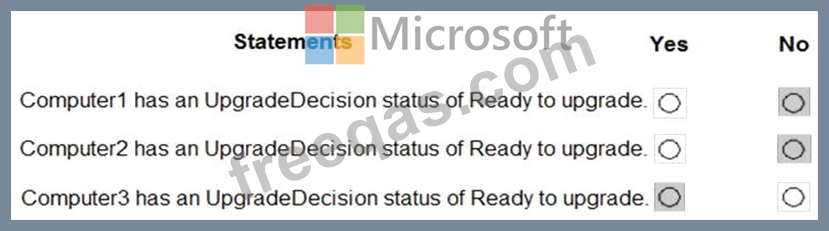
You have 100 computers that run Windows 8.1 and are enrolled in Upgrade Readiness.
Two of the computers are configured as shown in the following table.
From Upgrade Readiness, you view the applications shown in the following table.
You enroll a computer named Computer3 in Upgrade Readiness. Computer3 has the following configurations:
* 8 GB of memory
* 64-bit architecture
* An application named App3 installed
App3 is installed on Computer3 only.
For each of the following statements, select Yes if the statement is true. Otherwise, select No.
NOTE: Each correct selection is worth one point.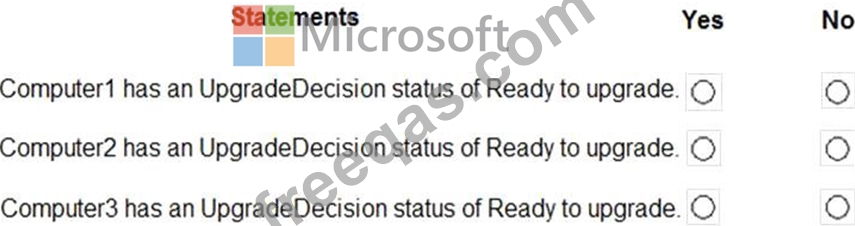
Note: This question is part of a series of questions that present the same scenario. Each question in the series contains a unique solution that might meet the stated goals. Some question sets might have more than one correct solution, while others might not have a correct solution.
After you answer a question in this section, you will NOT be able to return to it. As a result, these questions will not appear in the review screen.
You have a Microsoft 365 subscription.
You need to prevent users from accessing your Microsoft SharePoint Online sites unless the users are connected to your on-premises network.
Solution: From the Device Management admin center, you create a device configuration profile.
Does this meet the goal?
You have a Microsoft 365 subscription.
All users are assigned Microsoft Azure Active Directory Premium licenses.
From the Device Management admin center, you set Microsoft Intune as the MDM authority.
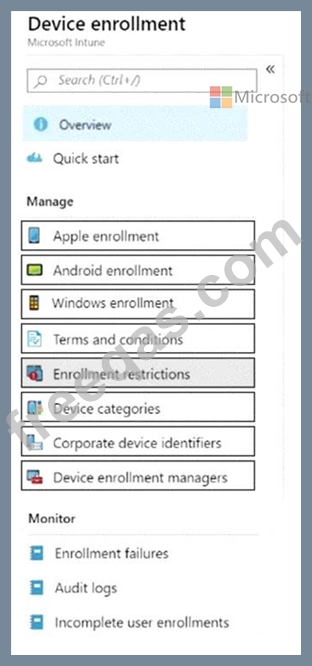
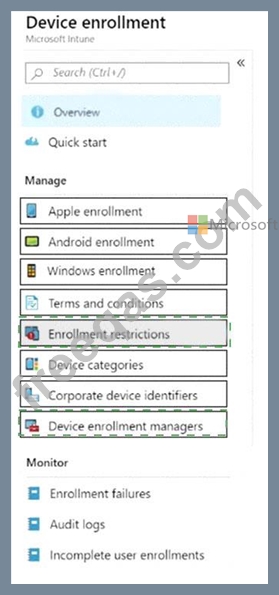
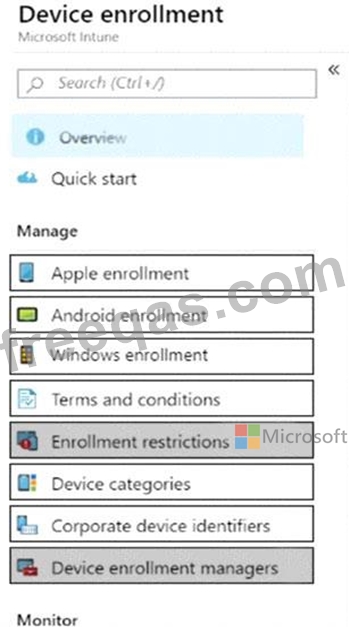
You need to ensure that when the members of a group named Marketing join a device to Azure Active Directory (Azure AD), the device is enrolled automatically in Intune. The Marketing group members must be limited to five devices enrolled in Intune.
Which two options should you use to perform the configurations? To answer, select the appropriate blades in the answer area.
NOTE: Each correct selection is worth one point.