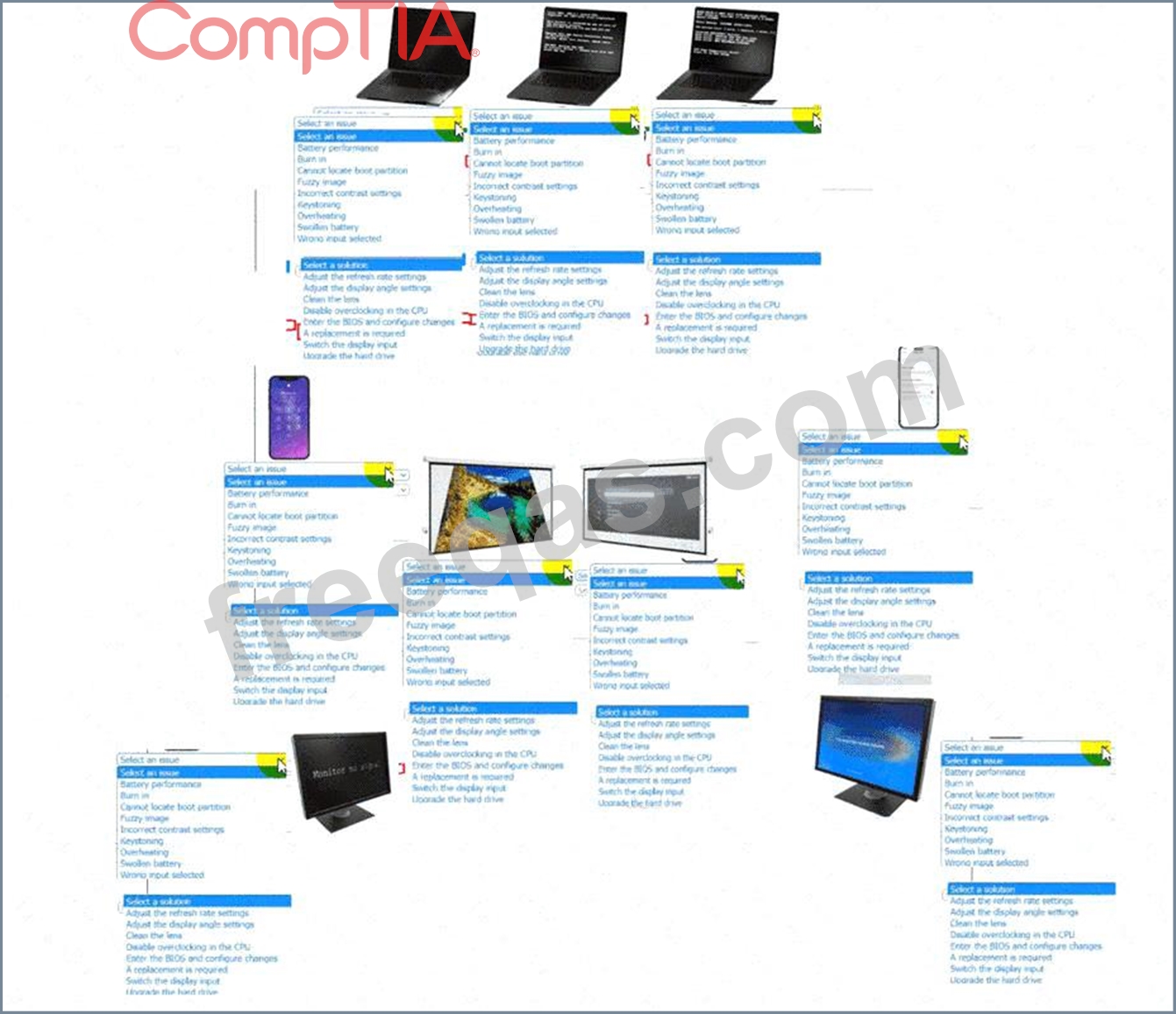
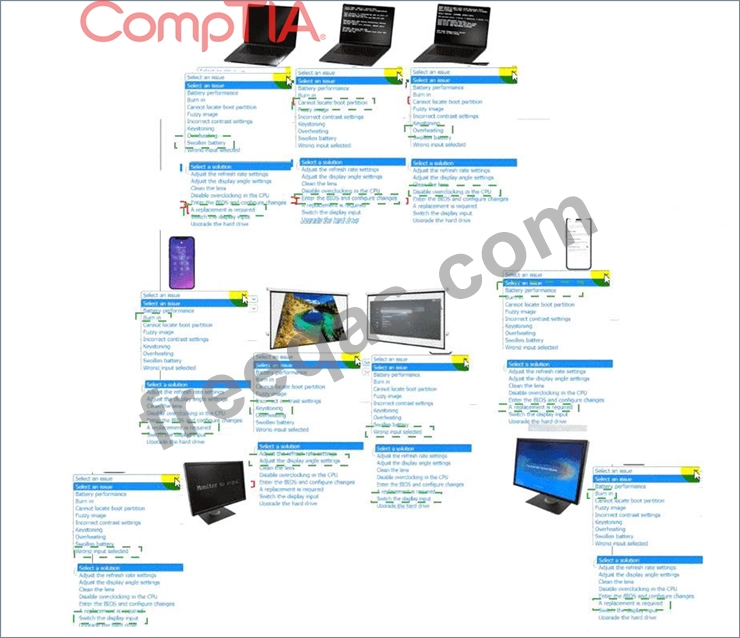
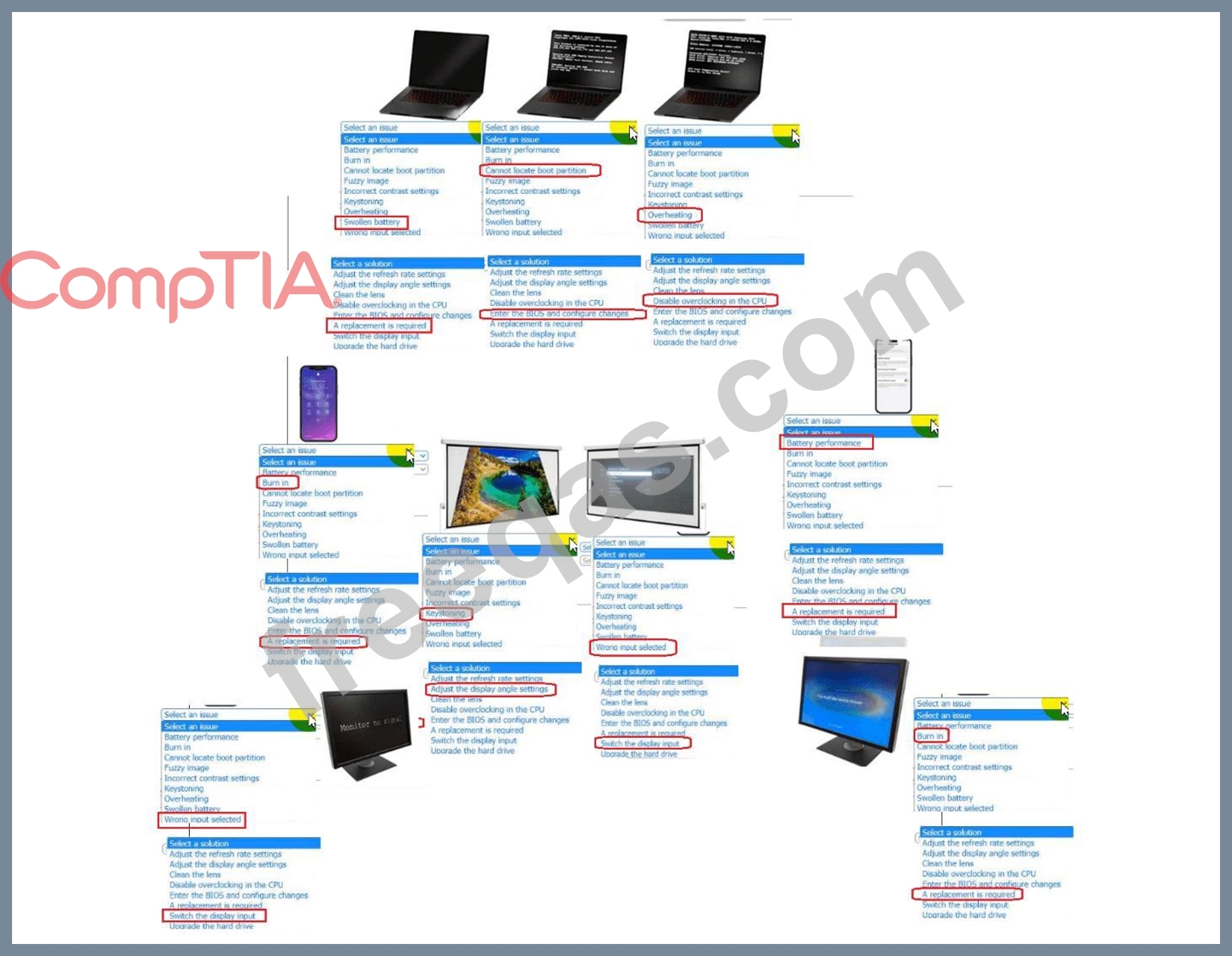
A technician is diagnosing several device issues reported by employees.
INSTRUCTIONS
Click on each device to review the issue. Then select the appropriate issue and solution from the drop-down menu. Each option may be used more than once.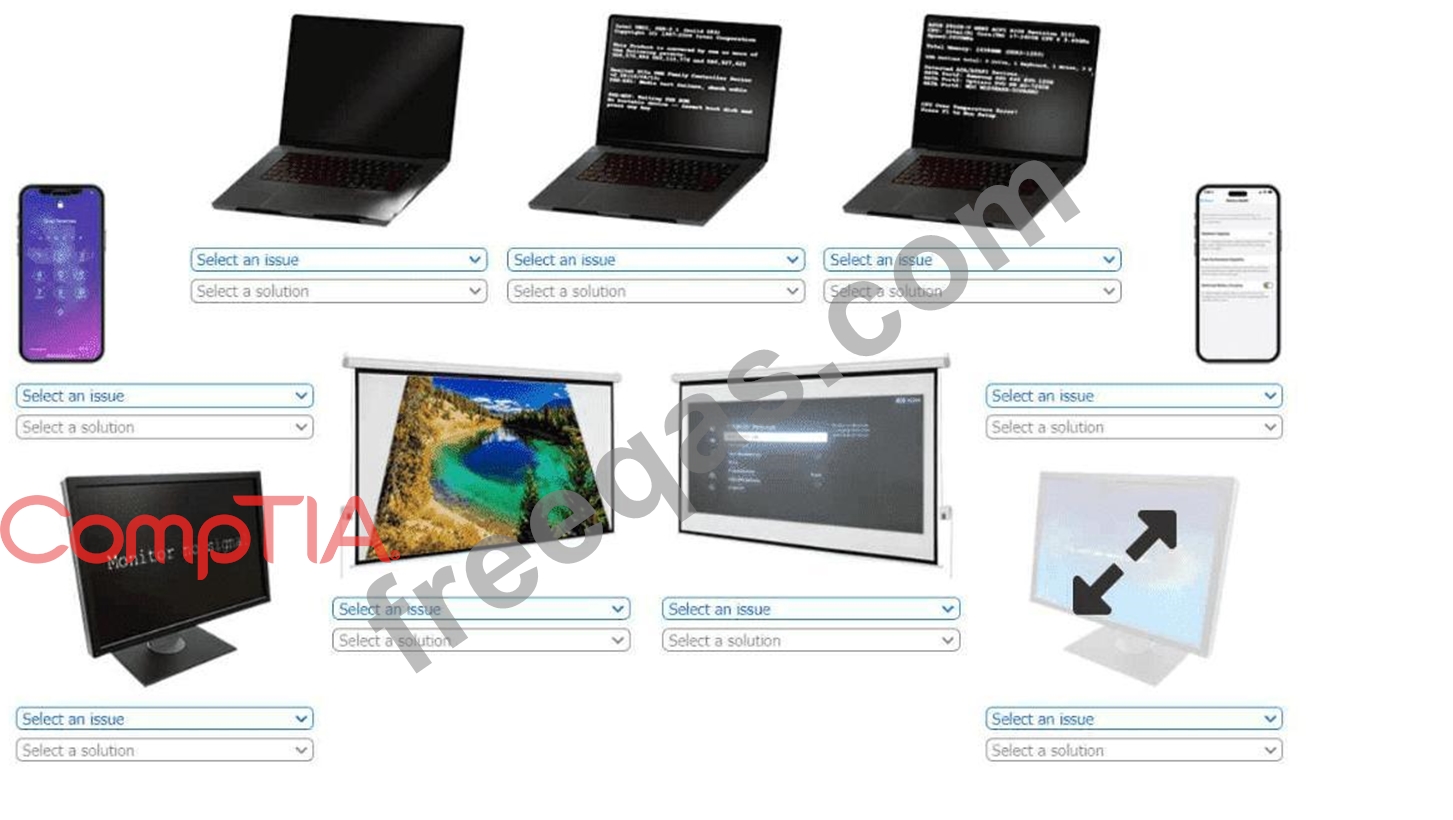
A customer needs to install a new printer in their network. The customer reports that users had intermittent connectivity issues with previous printers. Which of the following should the technician configure on the new printer to prevent this issue?
A help desk technician inspects a laptop keyboard because a single key has stopped working. The technician checks the keyboard for debris. Which of the following actions should the technician do next to troubleshoot the issue cost-effectively?
A user returns from a trip and discovers a computer that is connected to the LAN times out intermittently Upon investigation, a technician finds the RJ45 pin is not property terminated Which of the following networking tools is most appropriate to fix the issue?
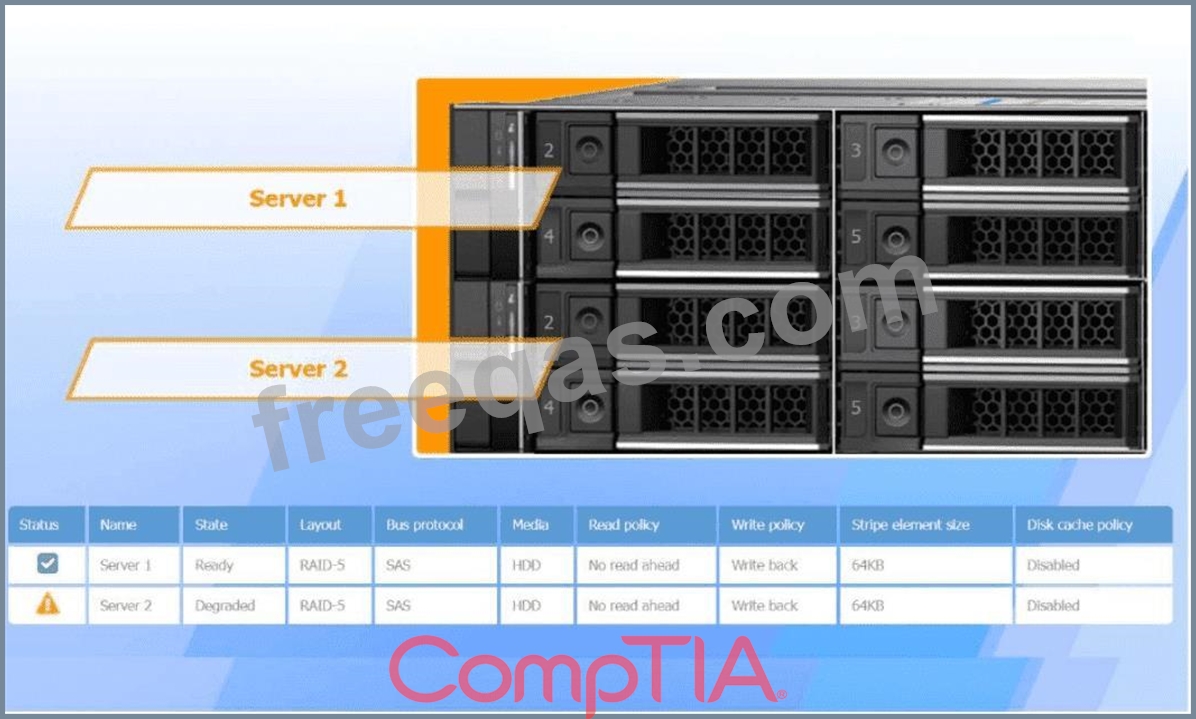
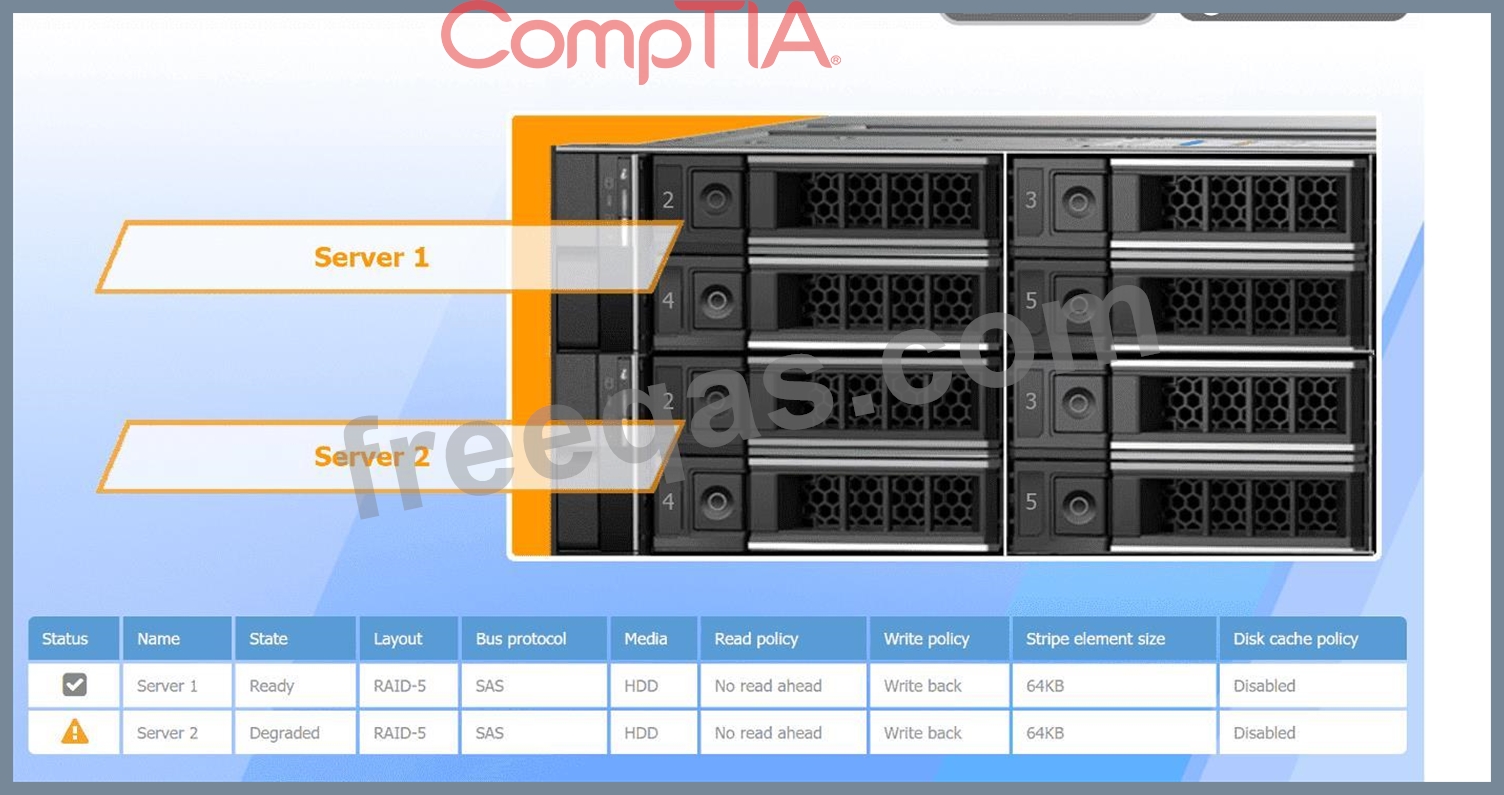
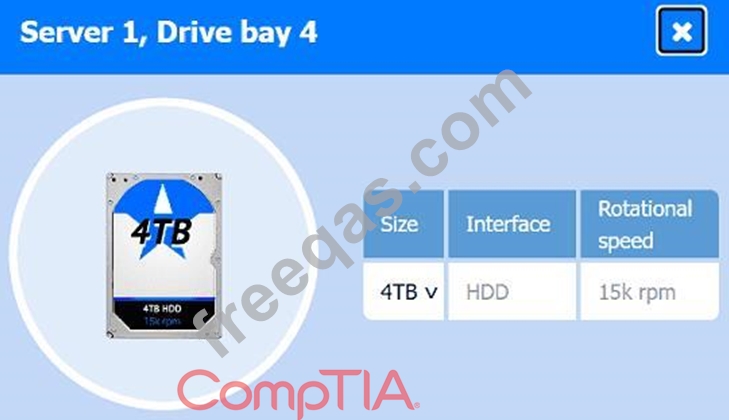
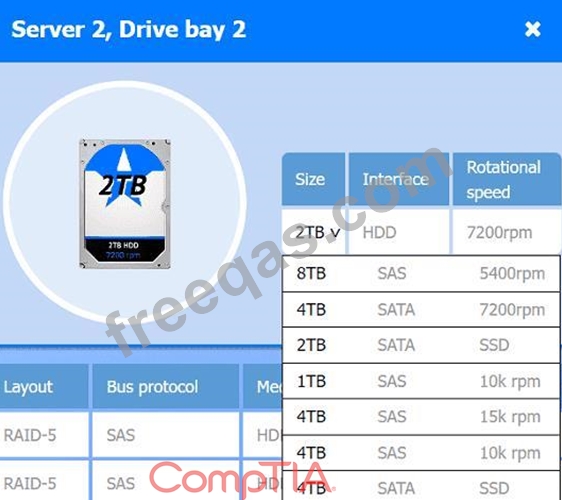
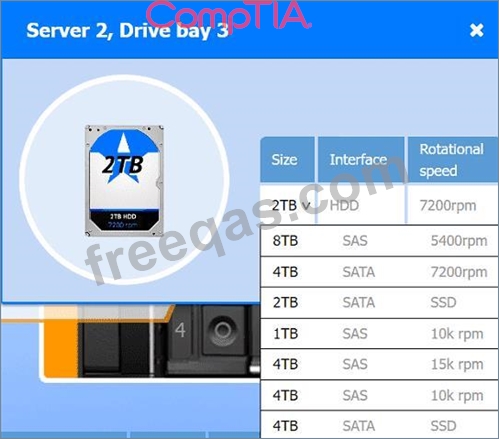
A user reports poor performance on the application server.
INSTRUCTIONS
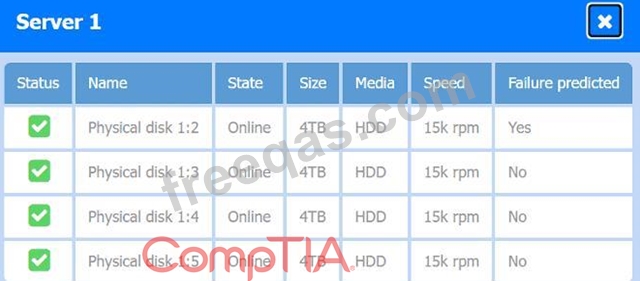
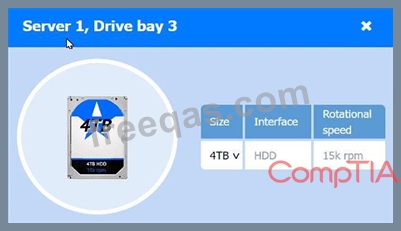
Click on Server 1 and Server 2 and review the information presented in each chart to determine which drives need to be replaced.
Select the appropriate replacement drive that should be used, for the least performance degradation to the server.
If at any time you would like to bring back the initial state of the simulation, please click the Reset All button.