Scale the deployment to 5 replicas
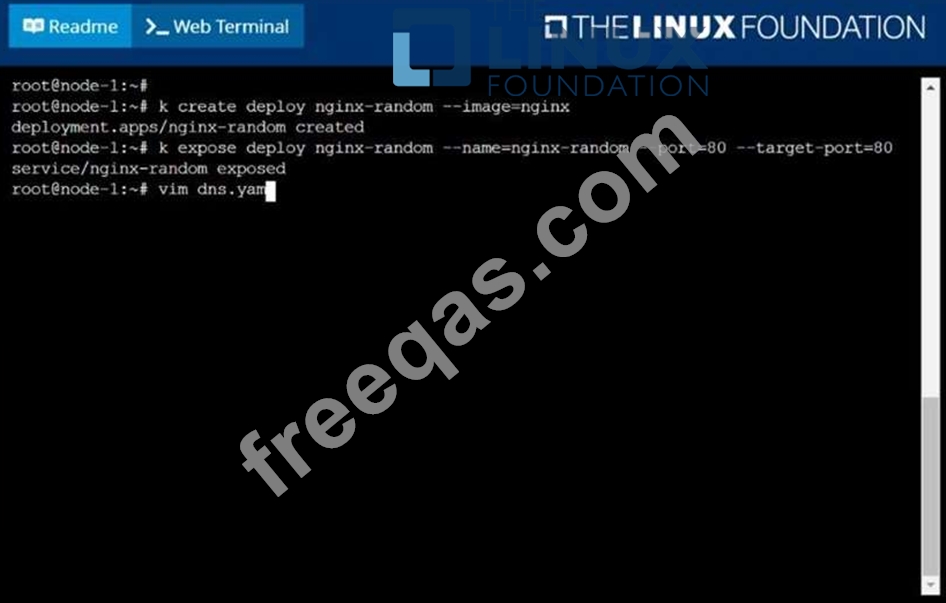
Create a deployment as follows:
Name: nginx-random
Exposed via a service nginx-random
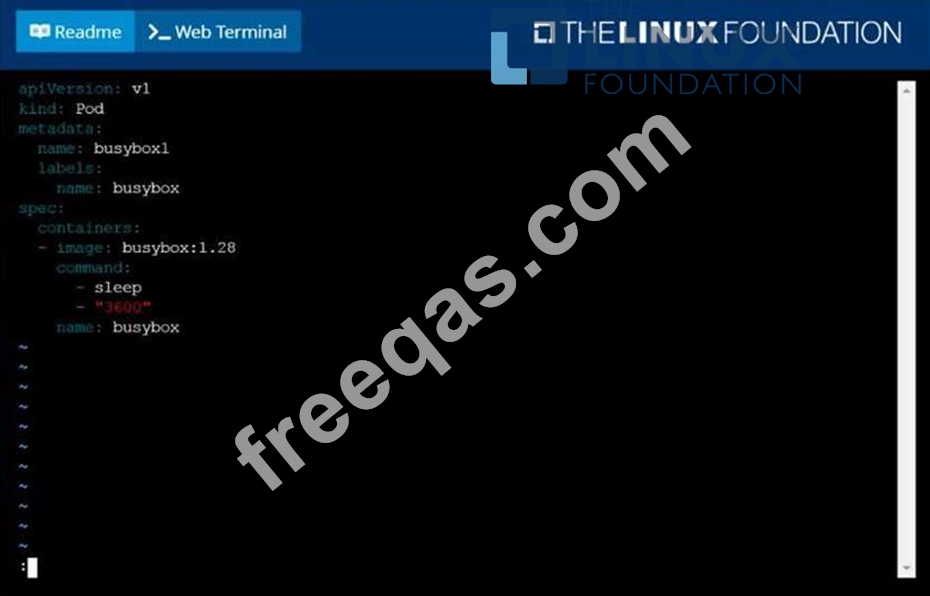
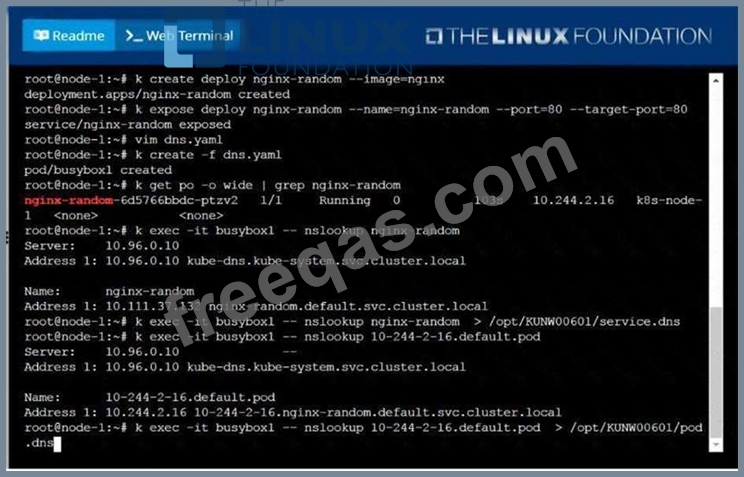
Ensure that the service & pod are accessible via their respective DNS records The container(s) within any pod(s) running as a part of this deployment should use the nginx Image Next, use the utility nslookup to look up the DNS records of the service & pod and write the output to
/opt/KUNW00601/service.dns and /opt/KUNW00601/pod.dns respectively.
Monitor the logs of pod foo and:
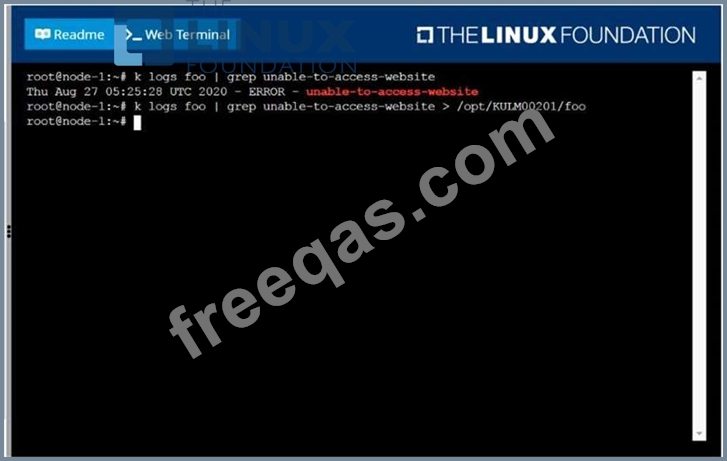
Extract log lines corresponding to error
unable-to-access-website
Write them to /opt/KULM00201/foo

To protect your firewall and network from single source denial of service (DoS) attacks that can overwhelm its packet buffer and cause legitimate traffic to drop, you can configure:
A bootstrap USB flash drive has been prepared using a Linux workstation to load the initial configuration of a Palo Alto Networks firewall. The USB flash drive was formatted using file system ntfs and the initial configuration is stored in a file named init-cfg.txt.
The contents of Init-cfg.txt in the USB flash drive are as follows:
type=static
ip-address=10.5.107.19
default-gateway=10.5.107.1
netmask=255.255.255.0
Ipv6-address=2001:400:100::1/64
ipv6-default-gateway=2001:400:100::2
hostname=Ca-FW-DC1
panorama-server=10.5.107.20
panorama-server-2=10.5.107.21
tplname=FINANCE TG4
dgname=finance_dg
dns-primary=10.5.6.6
op-command-modes multi-vsys.jumbo-frame
dhcp-send-hostname=no
dhcp-send-client-id=no
dhcp-accept-server-hostname=no
dhcp-accept-server-domain=no
The USB flash drive has been inserted in the firewalls' USB port, and the firewall has been powered on.Upon boot, the firewall fails to begin the bootstrapping process. The failure is caused because:
Enter your email address to download LinuxFoundation.CKA.v2022-12-07.q68 Dumps

