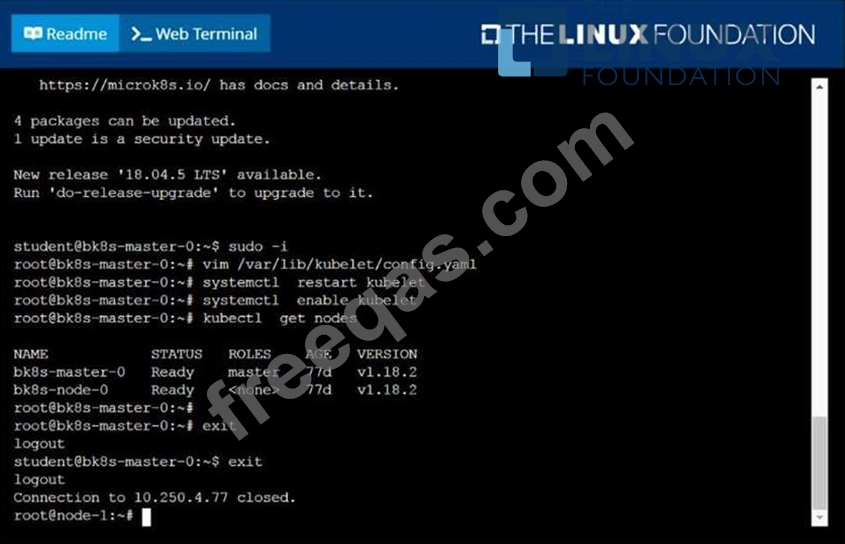
Given a partially-functioning Kubernetes cluster, identify symptoms of failure on the cluster.
Determine the node, the failing service, and take actions to bring up the failed service and restore the health of the cluster. Ensure that any changes are made permanently.
You can ssh to the relevant I nodes (bk8s-master-0 or bk8s-node-0) using:
[student@node-1] $ ssh <nodename>
You can assume elevated privileges on any node in the cluster with the following command:
[student@nodename] $ | sudo -i


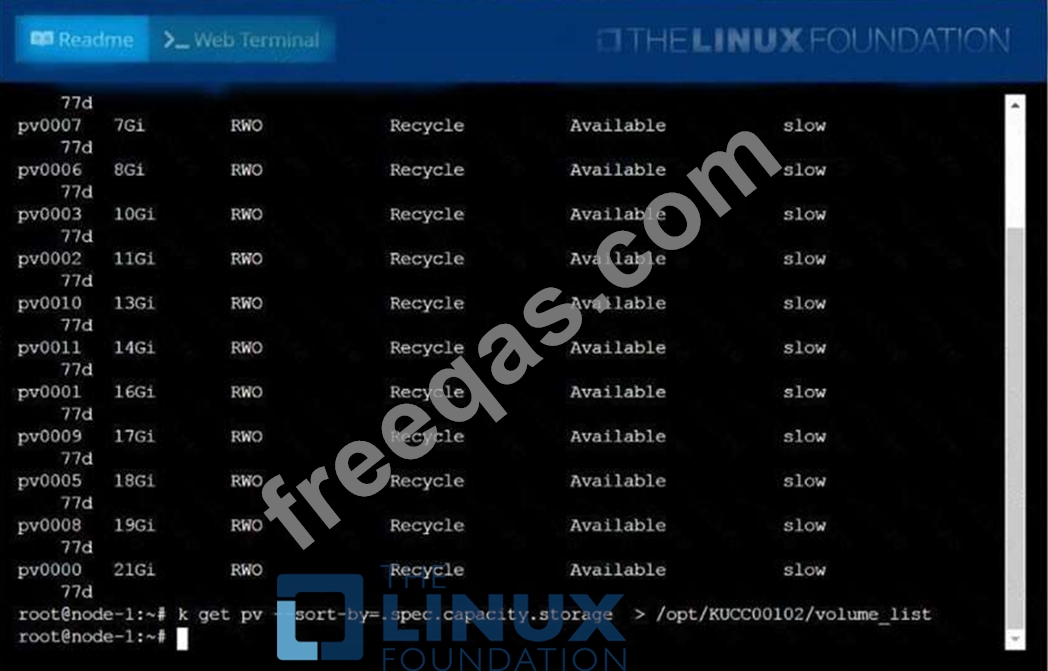
List all persistent volumes sorted by capacity, saving the full kubectl output to
/opt/KUCC00102/volume_list. Use kubectl 's own functionality for sorting the output, and do not manipulate it any further.
Deployment
a. Create a deployment of webapp with image nginx:1.17.1 with
container port 80 and verify the image version
Perform the following tasks:
Add an init container to hungry-bear defined in spec file
/opt/KUCC00108/pod-spec-KUC
The init container should create /workdir/calm.txt
If /workdir/calm.txt is not
Once the spec file has been definition, the pod should be created



Create a file:
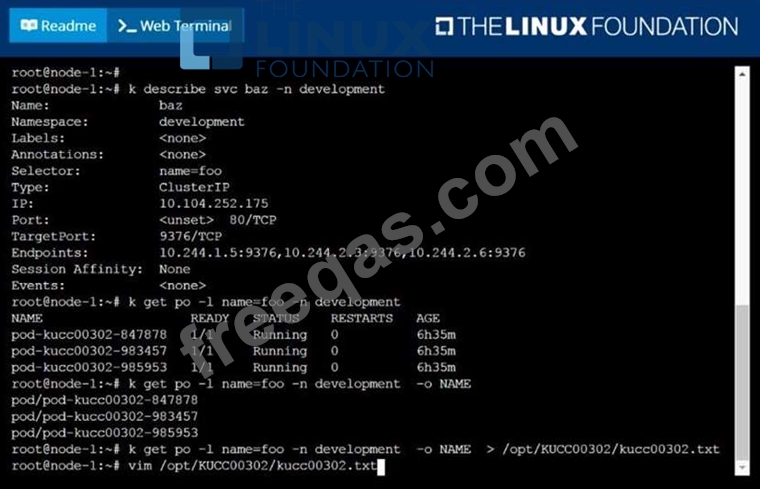
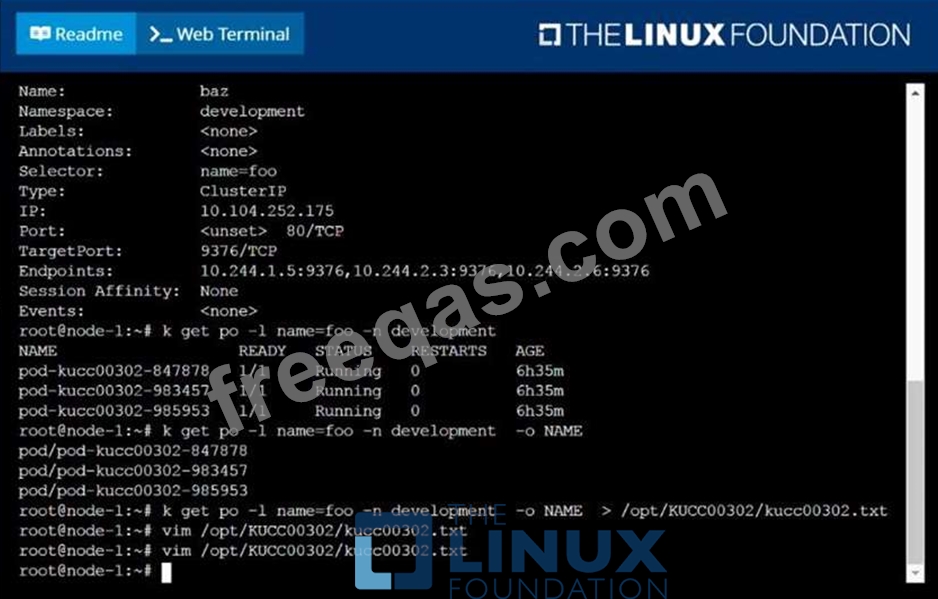
/opt/KUCC00302/kucc00302.txt that lists all pods that implement service baz in namespace development.
The format of the file should be one pod name per line.

Enter your email address to download LinuxFoundation.CKA.v2022-12-07.q68 Dumps

